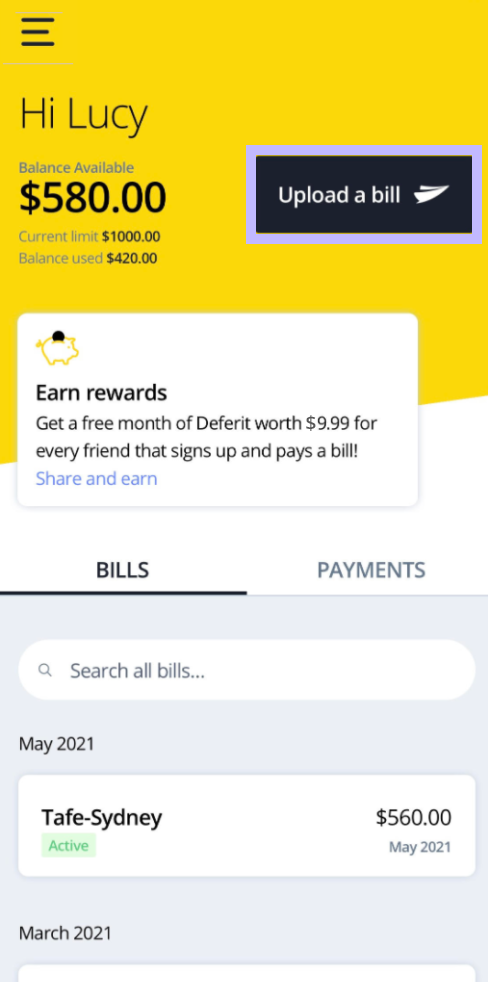
You can defer bills by uploading them to your account via our mobile app. Simply log into your account on the Deferit app and select upload a bill.
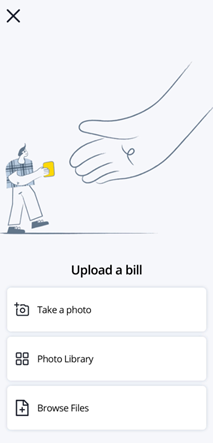
You will need to provide a copy of your bill. You can take a photo of your bill with the “Take a Photo” option. This will open your mobile device’s camera so you can take a photo of your bill. Once you take the photo the picture will automatically be uploaded to Deferit for you to review. Alternatively, you can select “Photo Gallery” or “Browse Files” if you are on IOS, or “Open Library” if you are on Android. This will open your device’s file browser where you can choose and select your bill.
Please ensure that the payment options of your bill are visible, such as any BPAY or bank account details, as well as any payment reference numbers.
If you need to add more images to include this information, please click on the plus (+) before proceeding to the next step.
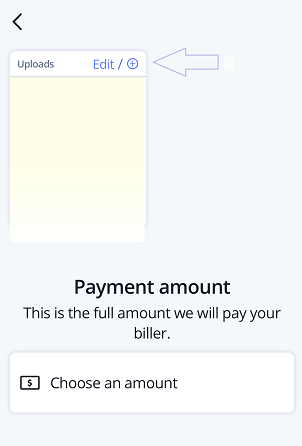
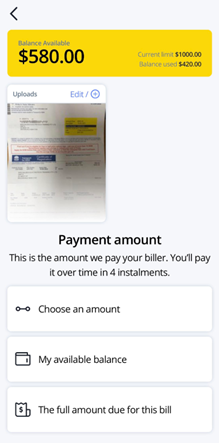
Once you are happy with the images, please select one of the 3 payment amount options.
You can select “Choose an amount” to enter in a customised amount of your bill. This is useful if you wish to make a part-payment towards a bill.
If you select “My available balance” your available account balance will be paid towards the bill.
Selecting “The full amount due for this bill” will ensure that we pay the total amount that is visible on your bill.
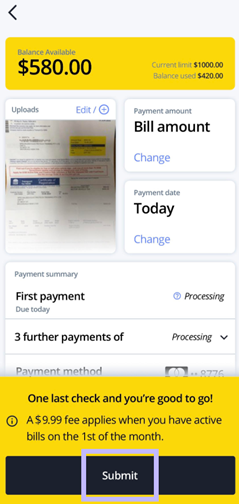
Review your bill to ensure that all the details have been entered correctly such as the bill amount and payment dates. Please kindly note that the date of your first instalment is the date your bill will be paid. If all details are correct, please click on “Submit” to upload your bill!
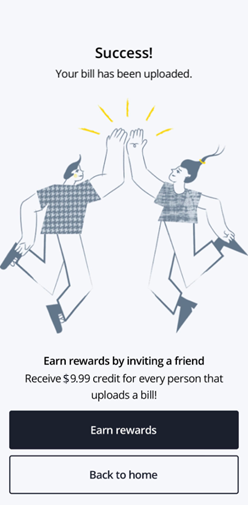
Once your bill has successfully been submitted, you will get a confirmation message titled ‘Success!’. Your bill will now be processed and you will be notified of the outcome.